
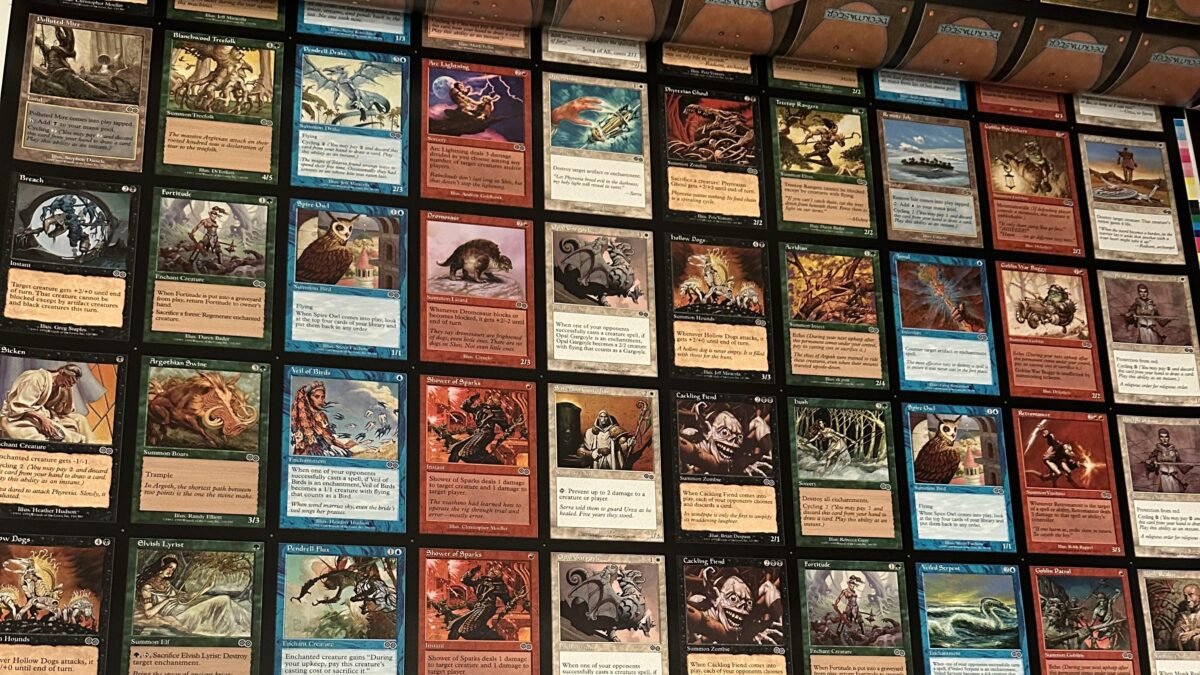
This post helps cube drafters understand how PrintACube prints MTG cubes for clean reads and smooth gameplay, so your drafts run faster, feel better, and hold up over time.
TLDR
- Cube play is a “repeat experience,” so small print issues multiply fast: slow reads, muddier signals, and rough shuffles.
- We print cubes sleeves-first, because that’s how cubes actually get drafted and played.
- Our north star is consistency (size, cut, color, finish) because consistent cards draft cleaner and shuffle smoother.
- The goal is not “pretty prints.” It’s less squinting, fewer misreads, and a cube that survives the hundredth draft.
The real reason print quality matters in cube
Cube is the most personal way to play Magic, and it’s also the most repetitive. You’re going to shuffle a ton. You’re going to fan packs a ton. You’re going to read the same cards across the table a ton.
That’s why how PrintACube prints MTG cubes is not a behind-the-scenes flex, it’s a gameplay feature. Print quality changes how fast people draft, how confidently they make picks, and how much the cube “gets out of the way” so the games can be the fun part.
What matters for cube play
Here’s the short list we design around:
- Readability: rules text, mana symbols, and board-state scanning should be effortless.
- Consistency: every card should feel like it belongs to the same physical set, with no oddballs.
- Durability: cube cards live hard lives: shuffles, spills, travel, and repeated handling.
- Sleeves-first: cubes are meant to be sleeved, so we optimize for sleeved draft and shuffle feel.
How print quality changes the draft (in ways you actually notice)
1) Readability speeds up picks and reduces “draft drag”
When text is crisp and contrast is clean, players spend more time thinking and less time decoding. That matters in cube because the draft itself is part of the fun, and the fun dies a little every time someone says, “Wait, what does this do?”
What we optimize for:
- sharp rules text (especially at a quick glance)
- clear mana symbols and pips
- legible type lines and power/toughness, even under warm room lighting
2) Consistency makes signals cleaner
Cube drafting is a signal game. If some cards are darker, lighter, or scaled oddly, your brain reads them as “different,” even when they are not. That subtle noise adds up, especially for newer drafters.
Consistency helps:
- archetype reads (you know what’s in your lane faster)
- pick confidence (less second-guessing because a card “looks off”)
- table flow (less passing packs back and forth for re-reads)
3) Shuffle feel is a real gameplay advantage
A cube that shuffles smoothly is a cube that gets played more. This sounds dramatic until you’ve hosted a night where everyone is fighting sticky sleeves, catching corners, or dealing with rough edges that make piles “clump.”
Shuffle feel comes from boring things done well:
- consistent thickness across the stack
- smooth, clean cuts and corners
- a finish that plays nicely with sleeves and doesn’t feel grabby
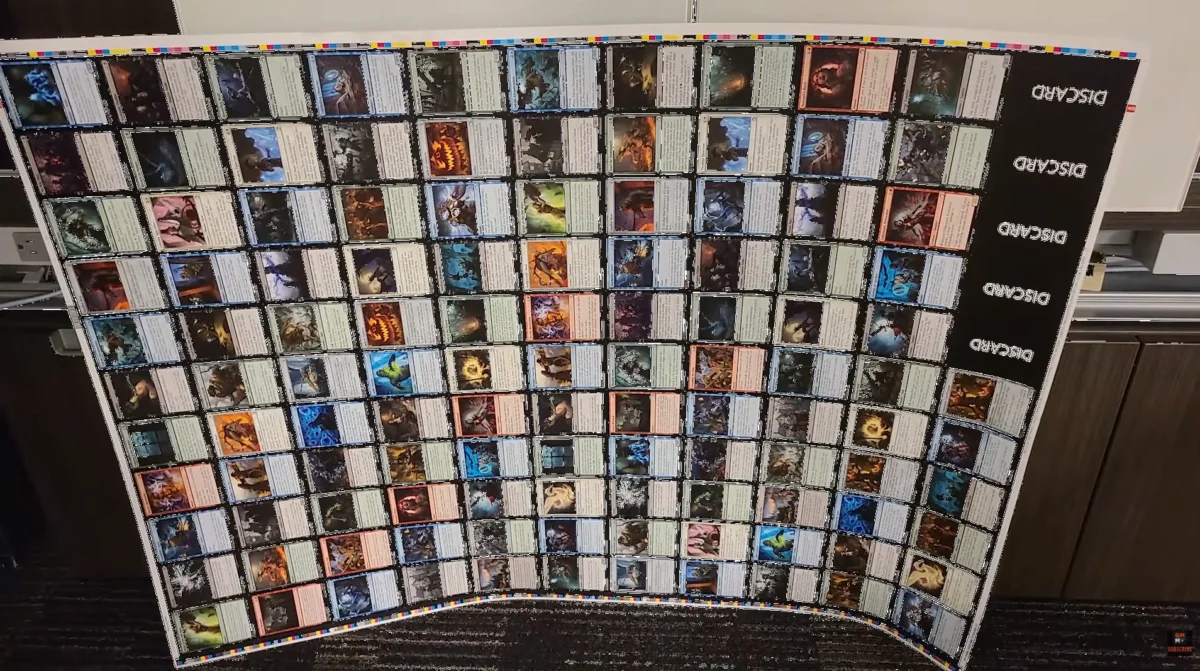
4) Durability protects your time, not just your cards
A cube is maintenance. If your cards scuff, chip, or fade quickly, you’re either reprinting too often or living with a cube that slowly gets worse.
Durability is about:
- resisting surface wear from repeated handling
- reducing edge damage during shuffling
- keeping the cube looking uniform after dozens of drafts
The PrintACube “experience-first” quality map
Here’s how print decisions translate directly into gameplay:
| What we control | What you feel during cube night | Why it matters |
|---|---|---|
| Text sharpness + contrast | Fewer squints, faster picks | Draft stays fun and snappy |
| Color consistency | Cards don’t “stand out” for weird reasons | Cleaner signals and fewer distractions |
| Size + corner consistency | Packs fan evenly, sleeves don’t snag | Better shuffles, smoother handling |
| Surface protection | Less scuffing and edge wear | Your cube lasts longer and stays uniform |
| Sleeves-first tuning | Everything feels cohesive in sleeves | The cube plays like one product, not a pile of exceptions |
Sleeves-first, always (because that’s real cube life)
We assume your cube is sleeved. Not because you have to, but because it’s how cube gets enjoyed at the table.
Sleeves-first means:
- we prioritize uniform feel in a sleeved stack
- we care about pack fanning, pile shuffling, and the “grab” of sleeves
- we optimize for repeat handling, not one-time display
If something would look a tiny bit nicer unsleeved but shuffle worse in sleeves, we pick the sleeves win. Every time.
Our print process, in human terms
We keep the workflow simple on purpose, because simplicity is how you get repeatable results.
1) Preflight for cube readability
Before anything prints, we check for the stuff that ruins cube nights:
- low-resolution faces that turn into mushy text
- tiny, thin type that disappears under real lighting
- inconsistent scaling that makes cards look like they came from different universes
2) Normalize for consistency
Cubes are often built from multiple sources, templates, and eras. Normalization is how you get “one cube” instead of “a collage.”
- consistent sizing and alignment
- consistent borders and safe areas
- consistent expectations for how the finished stack will feel
3) Print for legibility, not just “nice colors”
For cube, “accurate” means “easy to read and easy to parse.” We tune output so:
- blacks stay readable, not muddy
- fine lines don’t blur into the background
- frames and icons stay clean at a glance
4) Finish for durability and handling
Cubes are handled constantly. A good finish is the difference between “still feels great after 30 drafts” and “why is everything scuffed already?”
We choose finishes that protect the surface and help the stack behave in sleeves.
5) Cut for smooth shuffles
Cut quality is a gameplay feature. Rough edges and inconsistent corners make sleeved stacks feel sticky and uneven.
- consistent cut alignment
- consistent cornering
- clean edges so sleeves don’t catch
6) QC like a cube player
We don’t just look at a sheet and call it good. We sanity-check the experience:
- Glance test: can you read key info fast?
- Fan test: do packs fan cleanly in sleeves?
- Shuffle test: does the stack move smoothly without catching?
That’s the bar. If it passes those, it’s ready for cube night.
The “consistency beats perfection” philosophy
Magic cards vary a lot across sets and eras. Even official print runs are not perfectly identical. So chasing “perfect” is a trap.
For cube, the better goal is:
- your cube is internally consistent
- your cube is easy to read
- your cube shuffles cleanly
- your cube lasts
That’s how you get more drafts, better drafts, and less maintenance.
A quick checklist to get the best PrintACube result
If you’re supplying files, here’s what usually matters most:
- Use high-quality faces (crisp text beats “pretty art” every time).
- Keep versions consistent (mixing templates is the fastest way to get a cube that feels uneven).
- Think sleeves-first (what matters is how it looks and handles in sleeves).
- Prioritize readability over novelty (especially for complex, wordy cards).
If you’re not sure, default to “will this be easy to read across the table?” That one question fixes most cube-print problems.
FAQs
Do I really need to sleeve my cube?
You don’t have to, but most cubes end up sleeved because it improves shuffle feel, protects the cards, and keeps everything uniform. Since cube nights are high-handling, sleeves make the experience smoother.
Will printed cubes match the look of official Magic cards?
We aim for a clean, cohesive cube that reads well and feels consistent within the stack. Official Magic printings vary across sets, finishes, and years, so the best target is “internally consistent cube” instead of “match every era perfectly.”
What makes a cube feel “good” to shuffle?
Uniform thickness, smooth edges, consistent corners, and a finish that behaves well in sleeves. If any one of those is off, you feel it immediately in a 540-card stack.
How do I keep my cube consistent when I update it later?
Use the same file style and the same print settings each time you update. Consistency is mostly about avoiding template swaps and “one-off” versions that feel different in hand.
What’s the single biggest quality upgrade for cube play?
Readability. If your table can parse cards instantly, your drafts speed up, games play cleaner, and newer drafters have a way better time.